


What you can do
Built for the charging stop
Core session tools in the live VoltUp app. Bay reservations are not offered.
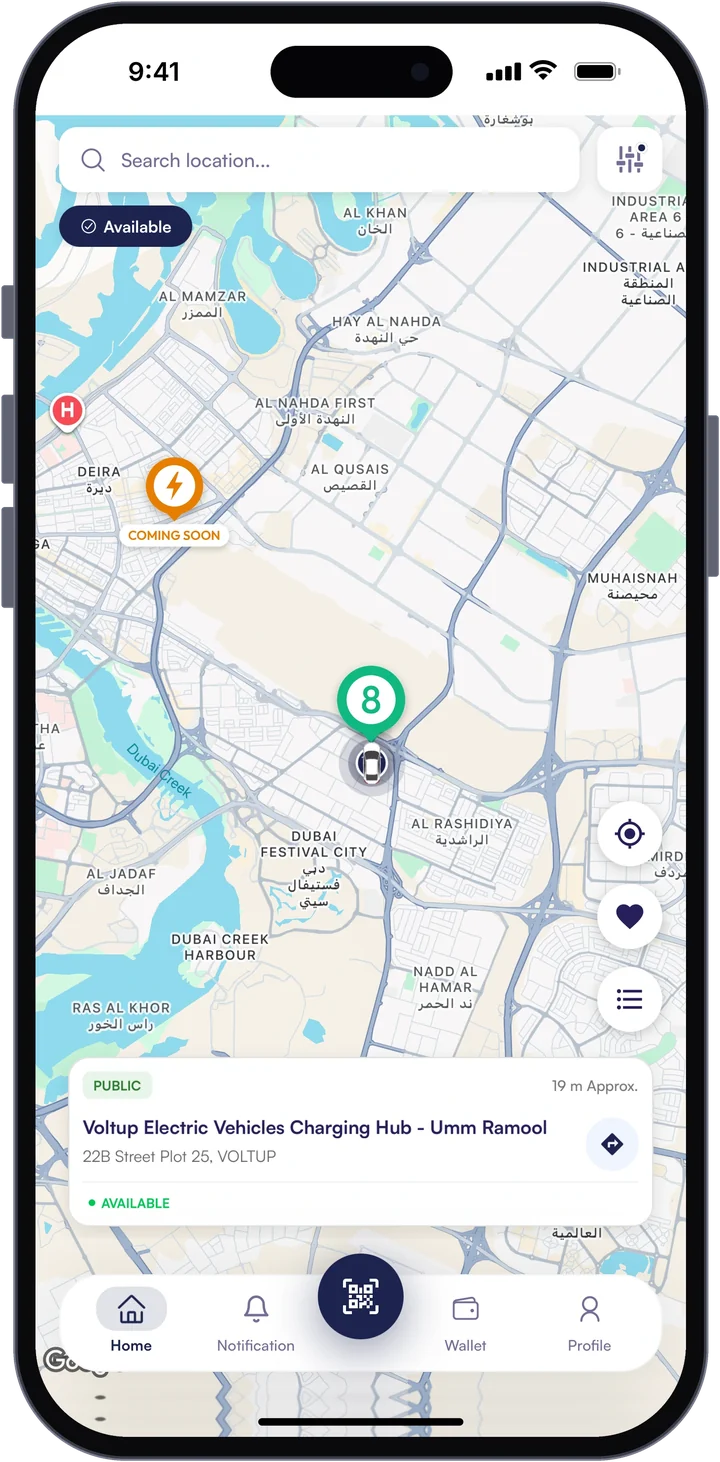
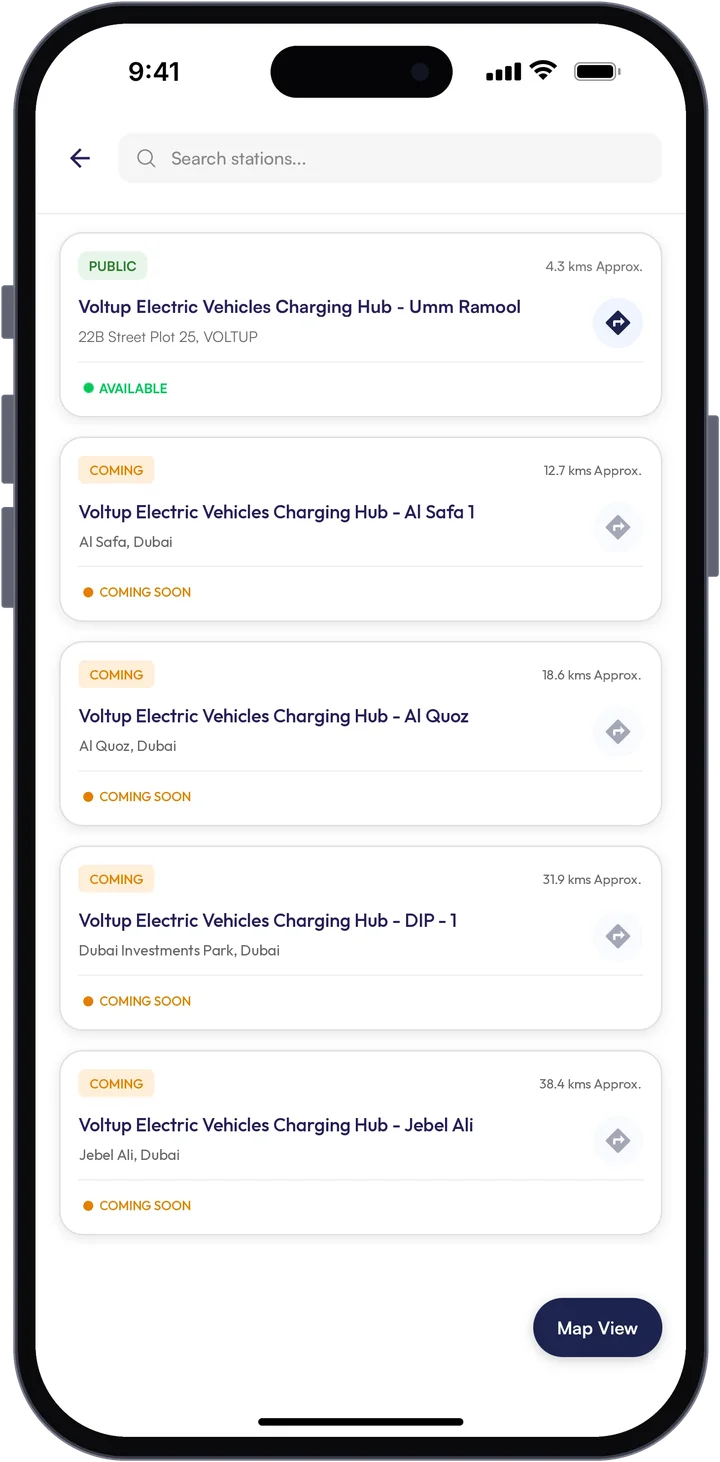
Station discovery
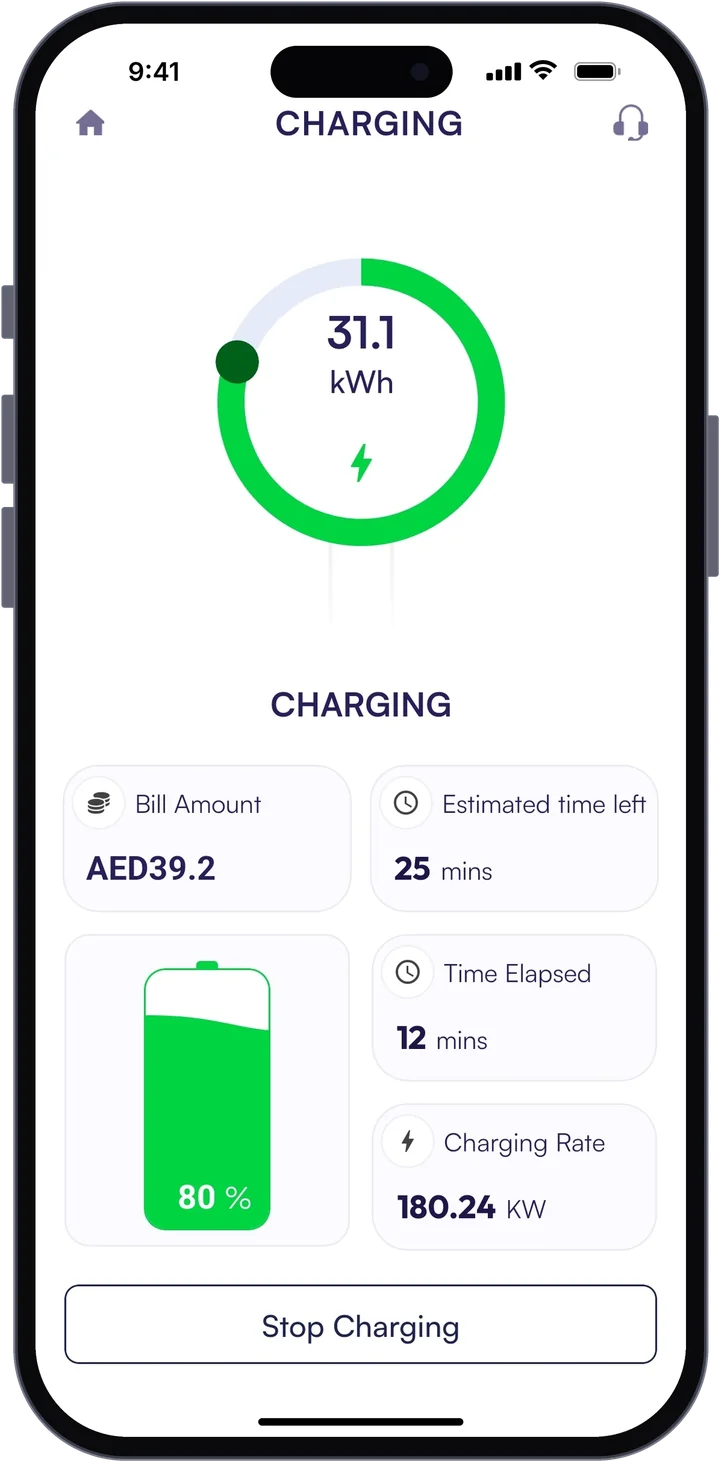
Active session
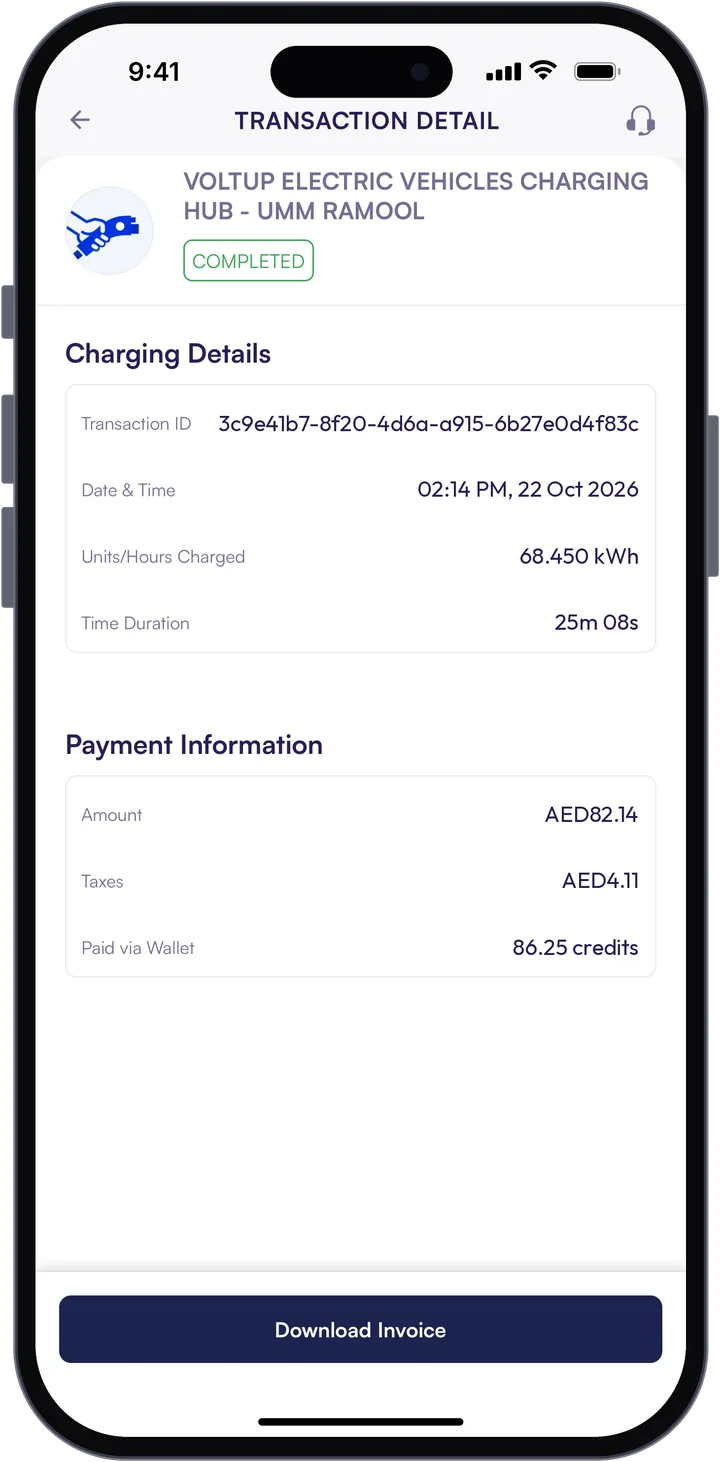
Pay & receipts
How it works
What the app is for
A practical tool for drivers at VoltUp stations — from discovery to receipt.
Create an account and find the station
Sign up, discover VoltUp Umm Ramool and check availability before you arrive.
Start a charging session
Follow the in-app steps for your connector. CCS2 connects directly; for adapters, confirm with the on-site team first.
Follow progress and pay
Watch charging progress and pay in the app. Using an RFID card? It's linked to your VoltUp wallet.
Stop, get a receipt, leave the bay
Stop cleanly in the app, collect your receipt, return the connector and clear the bay for the next driver.
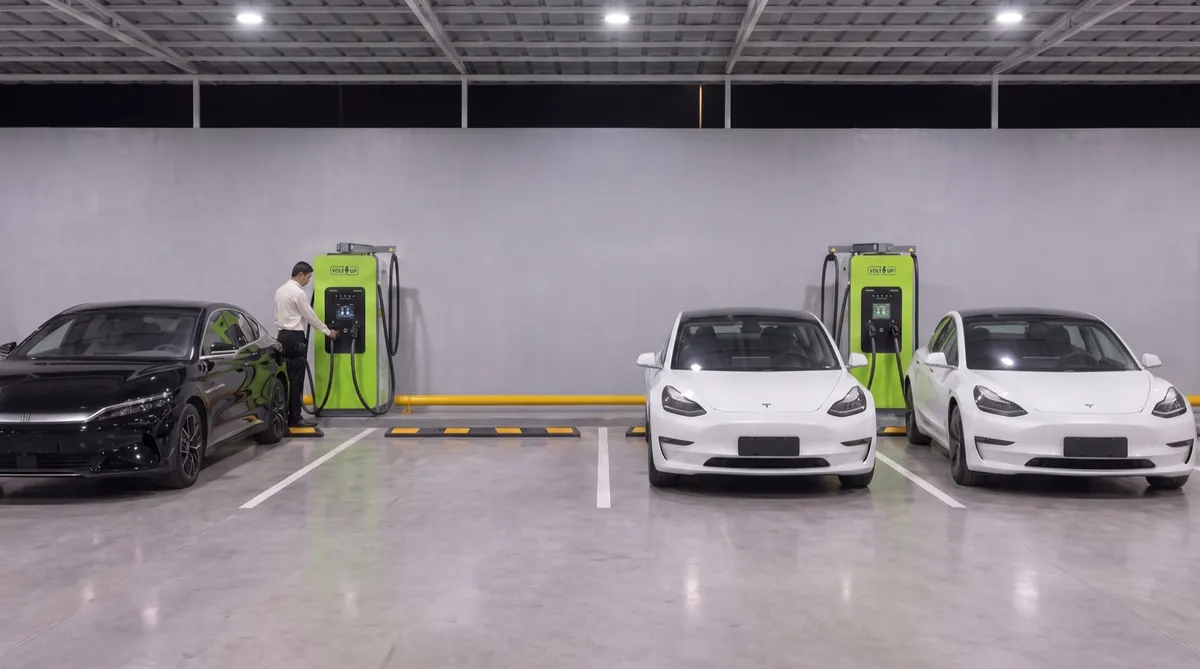
Session flow
From arrival to unplug
A simple path for drivers at Umm Ramool. The app does not offer bay reservations.
Arrive and open the app
Park in a covered bay, confirm you are at Umm Ramool, then open the VoltUp app.
Confirm connector
CCS2 connects directly. For GB/T, CCS1 or Tesla (NACS), ask the on-site team for an adapter before connecting.
Start the session
Start charging in the app. On-site help remains available if a step is unclear.
Monitor, then stop
Follow progress, stop when ready, take your receipt, unplug and leave the bay clear.
Payments
Wallet, payment and RFID
Pay in the app at the published public rate (AED 1.26/kWh including 5% VAT). No connection fees. No idle fees.
Account and wallet
AvailableCreate an account and manage payment in the VoltUp app. RFID can be linked to your VoltUp account/wallet.
Session payment
AvailablePay for your charging session in the app. The same public tariff applies to private and fleet users.
Receipts
AvailableGet receipts in the app after your session for your records.
Support
Help while you charge
If something in the app doesn't work, contact VoltUp support by WhatsApp, phone or email.
App questions
Quick answers
Practical answers for using the VoltUp app at Umm Ramool. More questions live on the FAQ page.
View all FAQs
Park in a covered bay, check your connector, then start the session by scanning the QR code on the charger in the VoltUp app, or tap an RFID card linked to your app. Our on-site team can help you connect and start.